TACHYON
Favorites, Continue Watching and Next Up in Tachyon
Keep your channels and titles one press away, pick up movies where you stopped, and let Next Up line up the next episode of every show you watch.
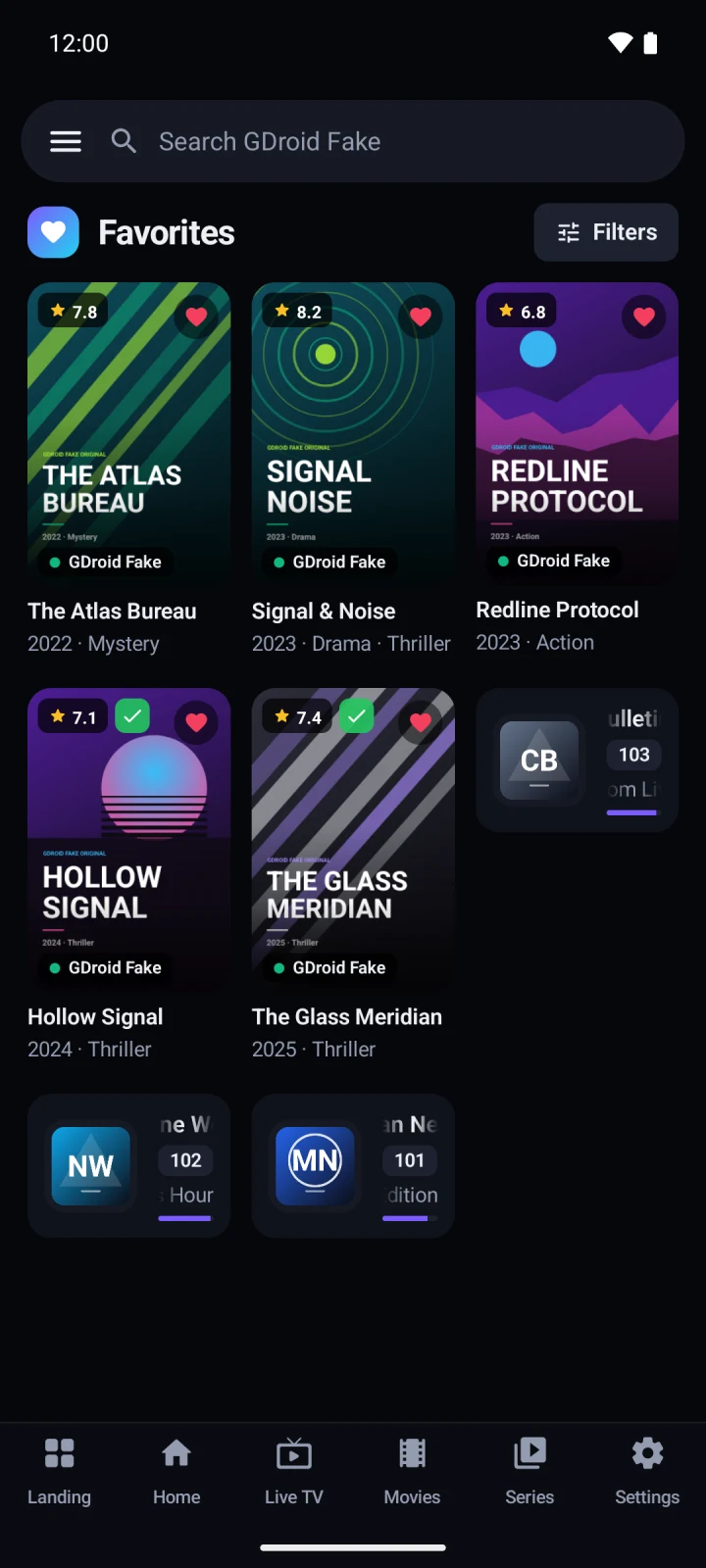
Tachyon remembers what you watch so you don't have to. Three things do most of the work: Favorites, Continue Watching and Next Up.
Favorites
Add a channel, movie or series to Favorites:
- TV Hold OK on it and pick Add to Favorites, or use the ♥ on a channel row.
- Phone Long press it and pick Add to Favorites, or tap the ♥.
- Desktop Right-click it, click the ♥, or press * on the focused item.
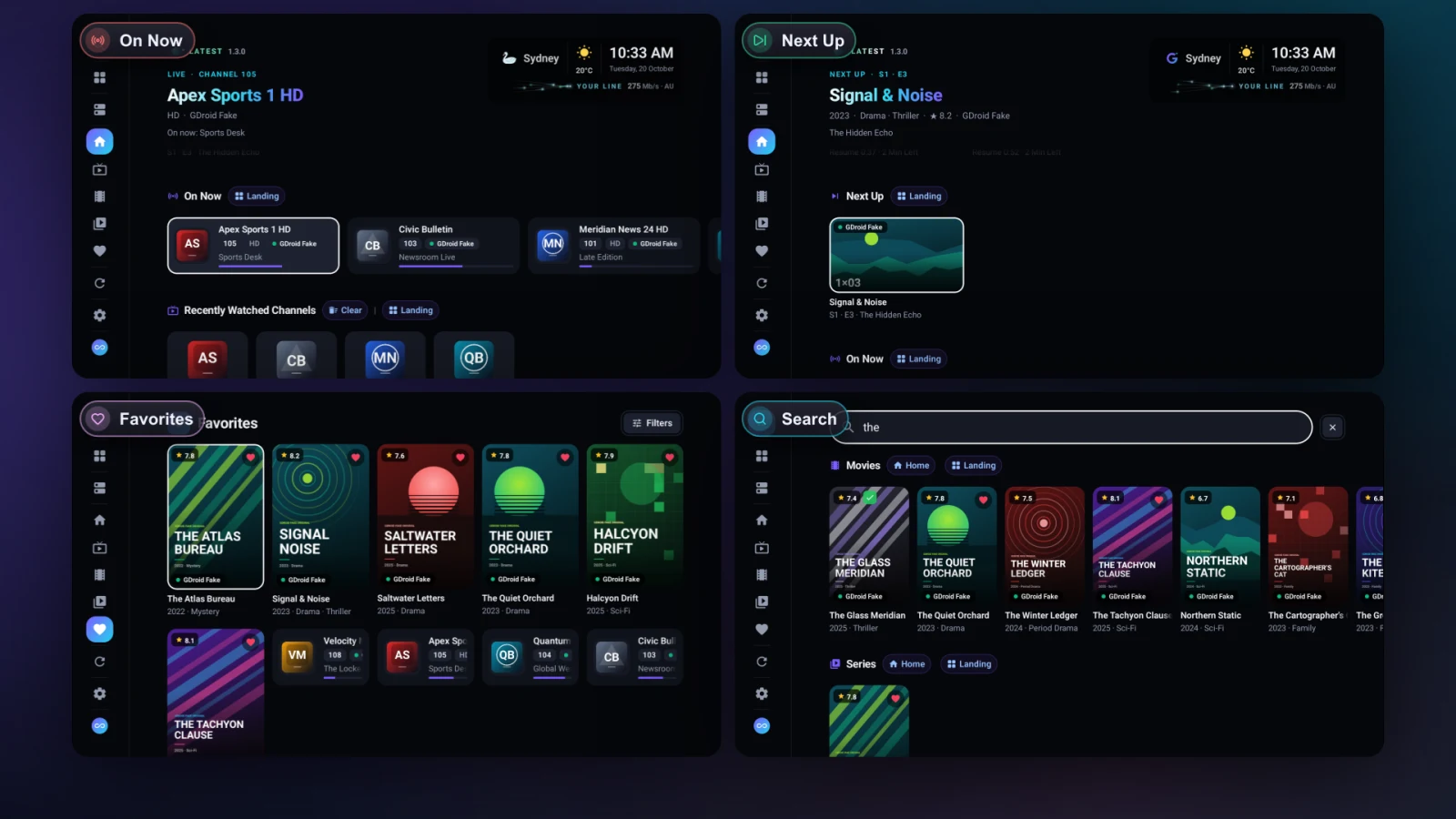
Your favorites show on the Favorites page (with filters for Channels, Movies and Series), on Home as Favorite Channels and Your Favorites, and as a Favorites category in Live TV and the TV Guide — so zapping through just your favorites is one pick away.
Desktop Favorites → Channels → Reorder sets your own channel order, and Home, Live TV and the guide follow it.
Continue Watching
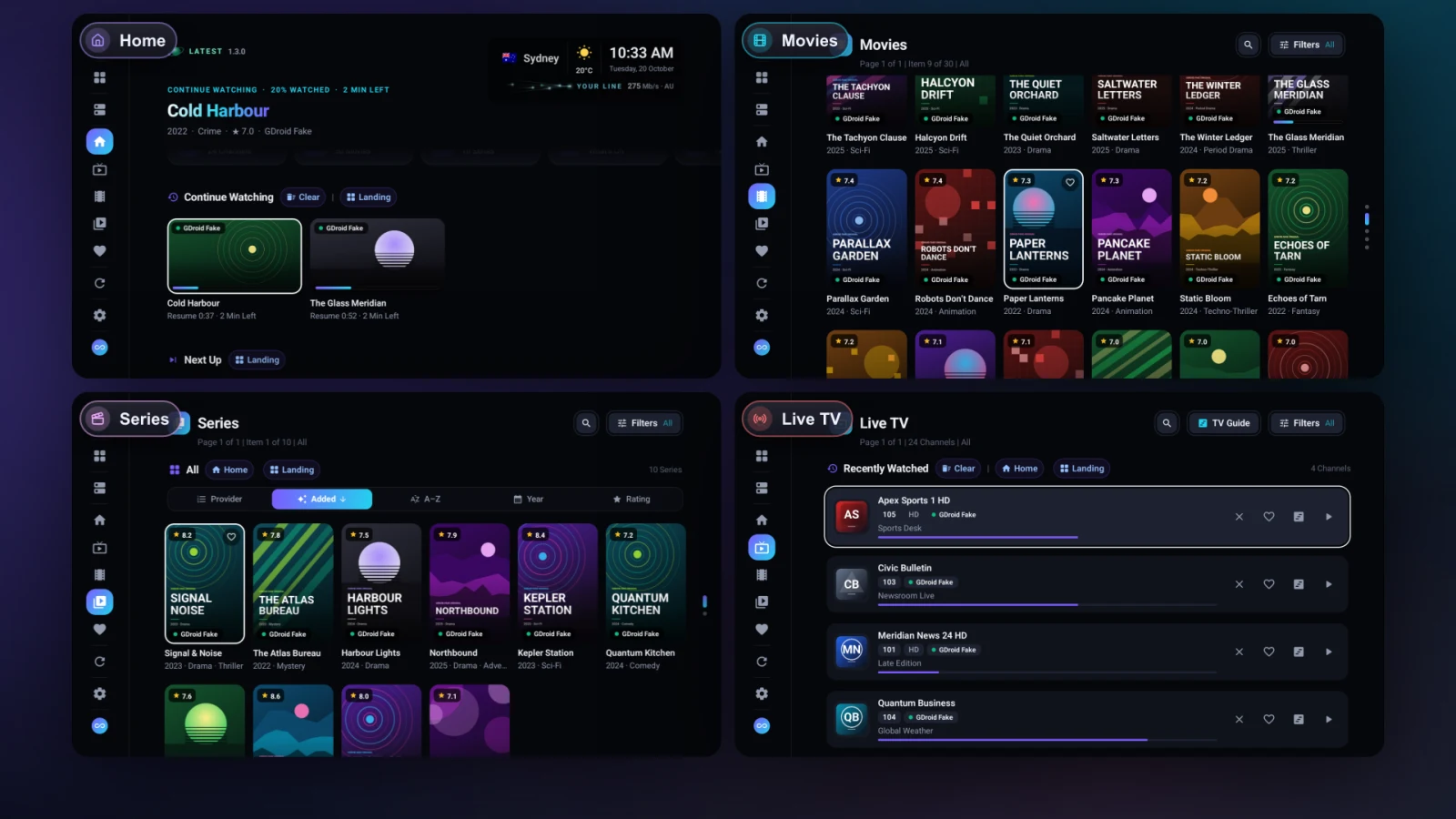
Movies and episodes you started and haven't finished (under 90 %) show in Continue Watching on Home, and on the Movies and Series pages.
- Pick one to carry on where you stopped. Resume brings back the audio and subtitles you were using.
- To remove one, open its menu and pick Remove. Clear, next to the row's title, empties the whole row after asking (watched marks and favorites stay).
- Settings → Playback → Resume (on a computer: Resume Movies & Episodes Where You Left Off) chooses between resuming automatically and always starting from the beginning.
Next Up
Finish an episode, and Next Up shows the next one of that show on Home. It works for every series you watch, so Home always has your next episodes lined up.
- When an episode ends, the next one starts after a short countdown (Autoplay Next Episode, on by default). The notice lets you cancel it.
- A title counts as watched at 90 %, so the credits don't hold it back.
Watched Marks
- A ✓ marks watched titles; a series shows how many episodes are left.
- Mark as Watched (or Unwatched) is in a title's menu and on its page — for a title, an episode or a whole season.
- Settings → Parental → Hide Spoilers (on a computer: Content & Parental) blurs the pictures and hides the stories of episodes you haven't watched yet.
Recently Watched Channels
The channels you watched last show first in Live TV and as Recently Watched Channels on Home. Remove one from its menu, or Clear the row.
After a Library Update
When your provider changes its links, favorites, Continue Watching and Recently Watched follow the titles to their new links after the next library update, and the ones the provider dropped are removed.
Questions and Answers
Do favorites follow me to my other devices?
Favorites are kept on each device. A settings backup carries them to a new device, and Emby favorites are shared by the server.
How do I clear everything I've watched?
Clear Watch History in Settings → Data (on a computer: Data & Storage) removes Continue Watching, resume points, watched marks and recent channels. Your services and settings stay.