TACHYON
One Connection Per Service: Why Tachyon Never Opens a Second Stream
Tachyon holds at most one stream connection per IPTV account, so single-connection and shared plans keep working. Here's how it works and what it means for you.
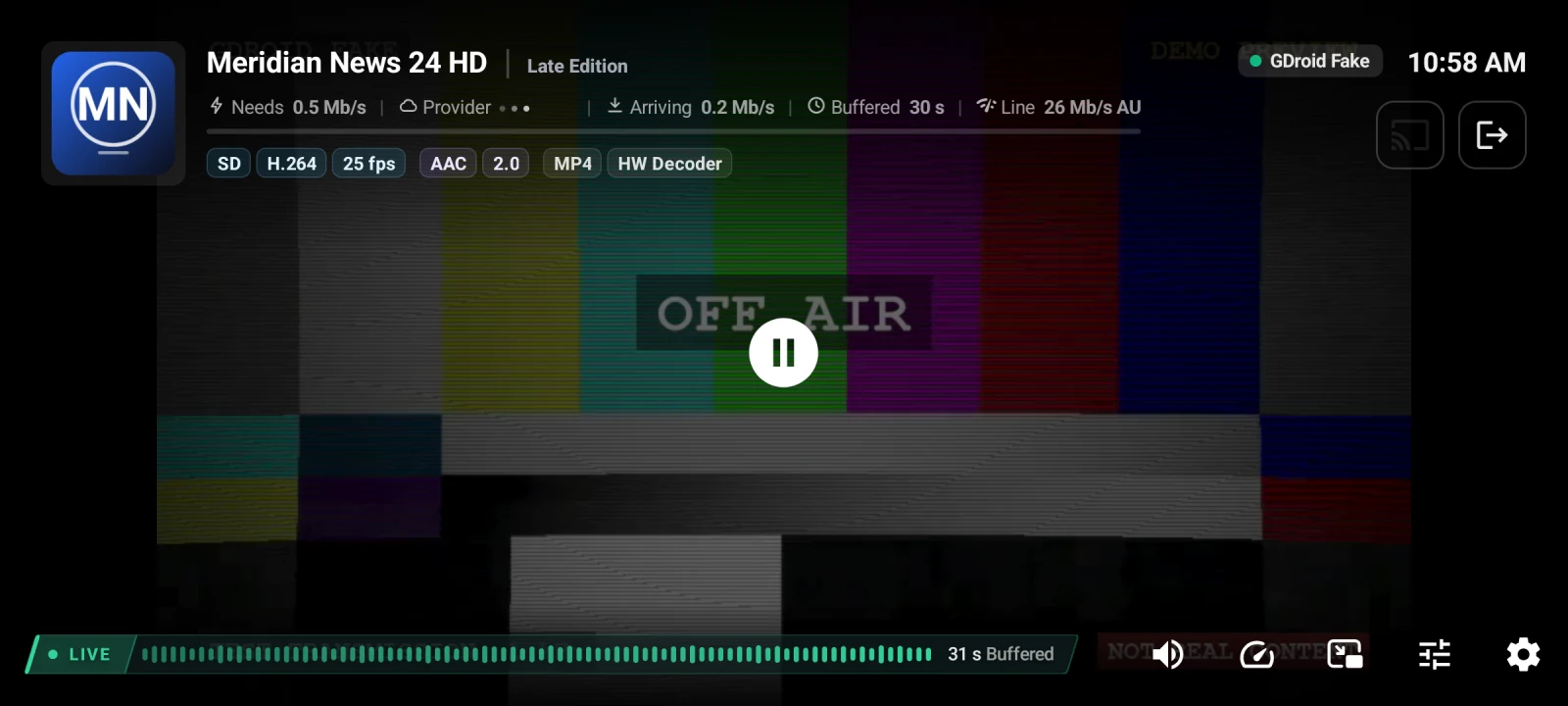
Many IPTV plans allow one stream at a time, and some are shared by a household or a group. A second connection — even for a moment — takes someone else's slot or trips the provider's limit, and then nothing plays. So Tachyon holds at most one stream connection per account, at any moment.
How Tachyon Keeps to One
- One player. The channel preview and full screen are the same stream; on a computer, the mini player too.
- Zapping closes first. Changing channel closes the old connection, waits a short gap, then opens the new one. Rapid presses open only the channel you stop on.
- No probing. Retries never overlap, and Tachyon never "tests" stream links in the background.
- The same account twice counts once. An Xtream login and its M3U link share the one connection.
- Handing over. Casting to a TV or opening an external player stops Tachyon's own stream first.
- Letting go. A paused stream gives its slot back after a while (on Android: 60 seconds for live TV, 5 minutes for movies), and so do going to the background, sleep and quitting.
- Only one copy of Tachyon runs per device.
What It Means for You
- Watching on two devices at once needs a plan with two connections; each device uses one.
- Browsing, the TV Guide, account details and subtitles are data, not streams. They never use a slot.
- A stream that keeps closing every few seconds on a one-connection account is typically another viewer on the same login.
- A connection-limit message ("The provider refused the stream…" on a computer, "The provider's connection limit is reached" on Android) usually means the account is playing somewhere else right now.
Slot Lag: Why a Quick Zap Can Take a Few Seconds
Many panels keep counting a closed stream for a few seconds. When a channel is refused before it started, Tachyon quietly asks again a few times over about 8.5 seconds — still showing Connecting… — and only then shows the connection-limit message. On a busy one-connection account, that's why a fast zap sometimes waits a moment.
Questions and Answers
Can I watch on my TV and my phone at the same time?
Yes, if your plan allows two connections. Each device uses one. With a one-connection plan, the second device's stream is refused while the first one plays.
Does Service Sync or the TV Guide use a connection?
No. Syncing services, downloading the guide and updating the library are data requests, not streams.
Does casting use a second connection?
No. The phone or computer stops its own stream before the TV starts.