TACHYON
Buffering and Playback Problems: A Troubleshooting Guide
Fix buffering, freezing, no sound, black pictures and connection-limit messages in Tachyon — what each message means and what to try, step by step.
Tachyon fixes most stream problems by itself while you watch: stalls, frozen pictures, broken clocks and dropped connections are noticed and handled, and a ring in the middle of the picture is all you usually see. When something still isn't right, this guide helps you find where the problem is — and what to do.
First: Where Is the Problem?
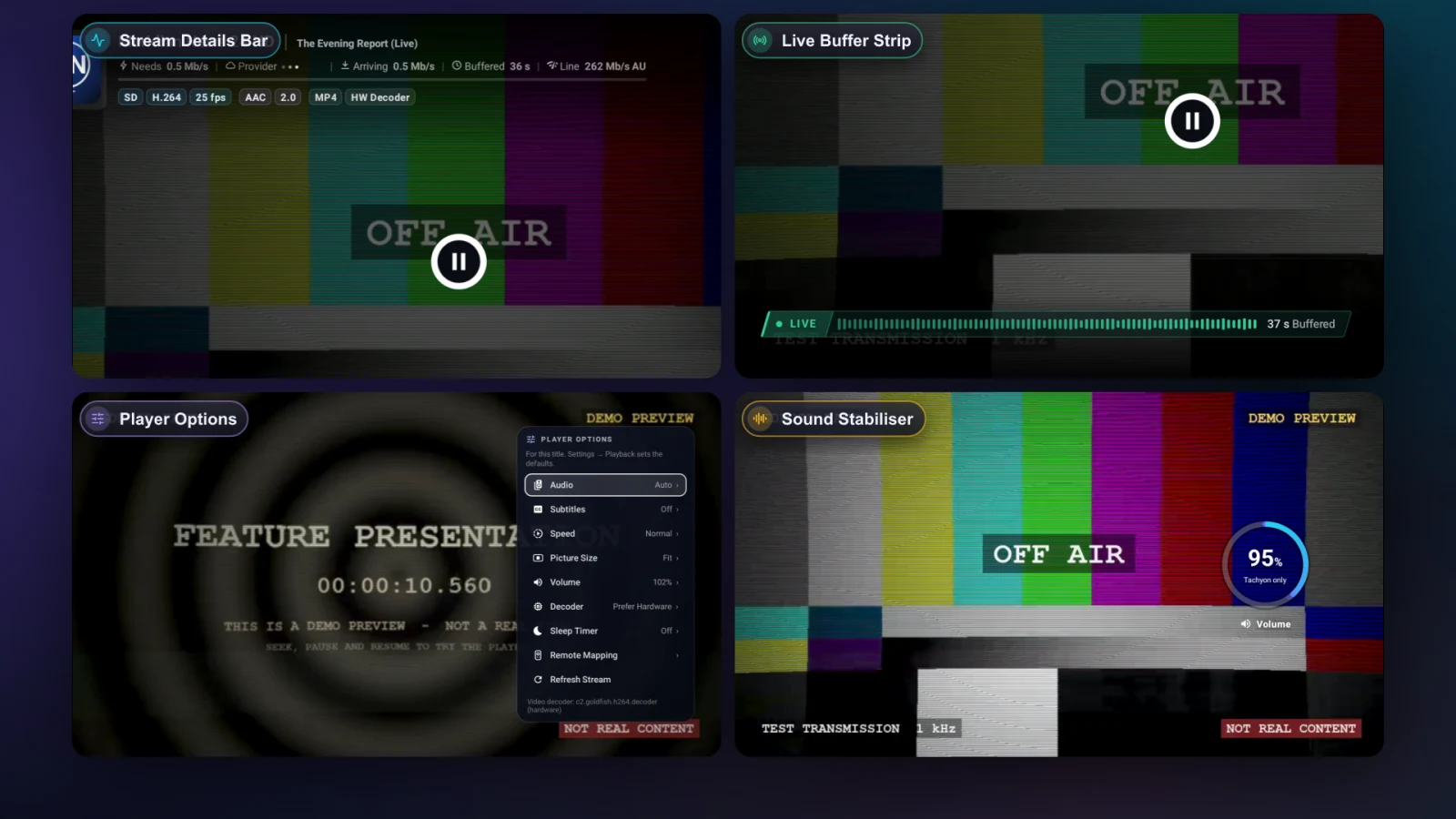
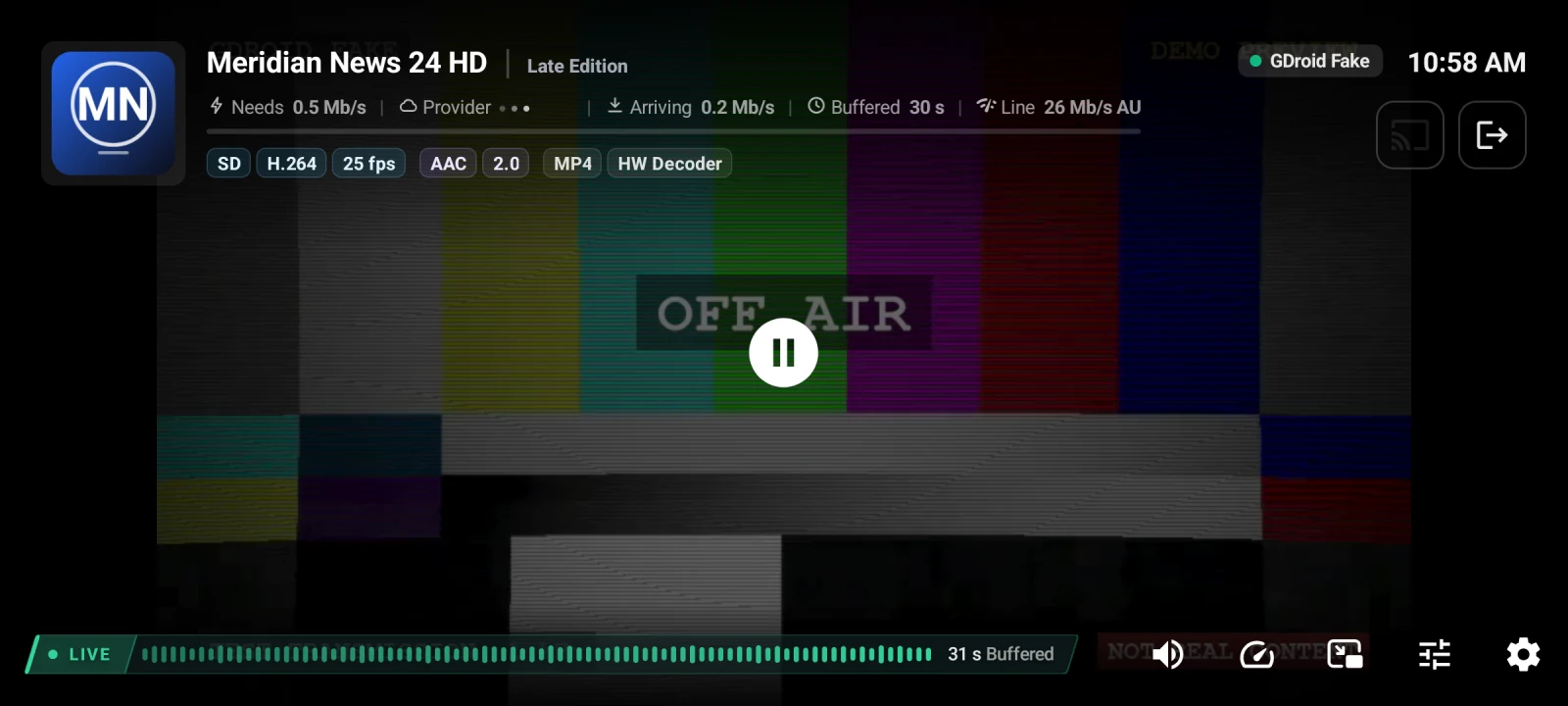
Show the player's controls and look at the Stream Info line (Needs · Provider · Arriving · Buffered · Line). It tells you whether the trouble is your internet, the provider or the device. See Reading the Stream Details.
Live Channels Buffer
- Check the badge at the start of the bottom bar. A red Slow Provider or Low Buffer points at the provider; Reconnecting at the connection.
- Try another version of the channel (HD, FHD, SD). Turn on Settings → Playback → Fall Back to Other Versions of a Channel to do it by itself when a channel keeps failing.
- Give it more cushion. Android Settings → Playback → Video Player → Buffer: Large or Very Large rides out shaky connections (channels take a moment longer to start). Desktop Buffering Profile → Stable or a longer Live Buffer.
- Your own network: move closer to the Wi-Fi router, use a cable, and pause other downloads or streams at home.
Movies Stop to Buffer
- When a provider sends a title slower than it plays, the player says by how much and offers Buffer Ahead: it fills enough, once, to watch to the end without stops, with a countdown.
- Settings → Playback → Deeper Buffer for Movies & Series makes each refill longer: one longer pause instead of many short ones.
- Movie Index Cache (All Titles) makes a title you open again start without the index wait.
No Sound on Some Channels
- Android Set Settings → Playback → Video Player → Surround Passthrough to Off if your TV or receiver doesn't take Dolby or DTS.
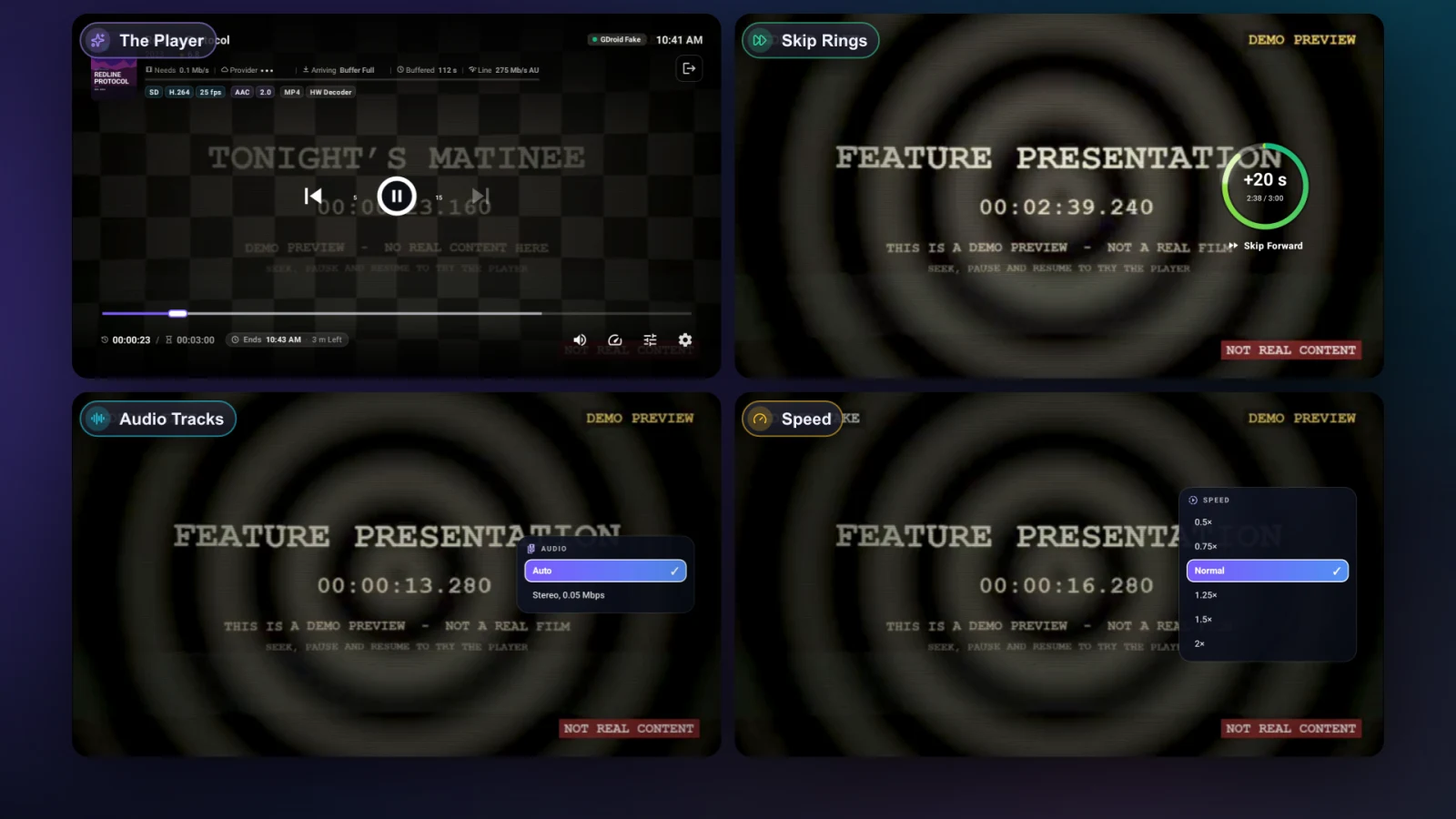
- Try another track with the Audio button: some channels' first track is empty (Tachyon usually switches by itself).
- Desktop Dolby, DTS and MP2 sound is converted automatically; the first start can take a moment longer.
- Check the volume isn't muted — the Volume button in the player mutes with one press.
Black or Frozen Picture With Sound
- Android Player Options → Decoder → Prefer Software for that channel. Tachyon also tries this by itself once.
- Player Options → Refresh Stream (on a computer: R).
- Try another version of the channel.
Messages and What They Mean
| Message | What It Means | What to Do |
|---|---|---|
| Waiting for the provider to start this channel… | The provider is slow to start this channel. | Wait — up to half a minute the first time. |
| Desktop The provider refused the stream… connection limit may be reached · Android The provider's connection limit is reached — trying again shortly… | The panel turned the stream down. | Check whether the account is playing on another device; check the subscription. |
| Desktop Too many connections | The plan's connections are all in use. | Stop playback elsewhere; Tachyon tries again gently. |
| This channel isn't sending anything right now | No data, while the provider answers. | The channel is probably off air. Try later or another version. |
| Desktop This channel is offline at the provider right now | The provider doesn't have this stream at the moment. | Try later or another version. |
| The provider's picture is breaking up — keeping the sound | The provider is dropping pictures. | Nothing in the app can fix the source; it usually recovers. |
| Android This stream can't be decoded on this device | The device's decoder failed on it. | Decoder → Prefer Software, or another version. |
| Sign-in failed — check the username and password | The server rejected the login. | Check the details and the subscription. |
| Can't reach the server | No answer from that address. | Check the address, the port and your internet. |
"Subscription Expired" When You Play
Tachyon knows the subscription has ended, so it asks before playing: Try Anyway checks the account again (if it's renewed, it plays), Edit Service opens its settings, and Cancel closes the question.
Still Stuck? Report It
When you report a problem, give the version and build shown in Settings → About, the kind of service, and what you saw. Desktop Settings → About → System & Diagnostics → Export Diagnostics makes one file to send along: passwords, tokens and e-mail addresses are masked, and titles aren't recorded.
Questions and Answers
Why does a channel take a few seconds to open on a one-connection account?
Many panels keep counting the last stream for a few seconds after it closed. Tachyon quietly asks again for about 8 seconds before it shows a connection-limit message. See One Connection Per Service.
Does a faster internet plan fix buffering?
Only when Line is the slow part. If Provider is below Needs while your line is fast, the provider's server is the bottleneck.