TACHYON
Keeping Tachyon Up to Date
How Tachyon tells you about a new version, how Update Now installs it on TVs, phones and computers, and how Google Play copies update.
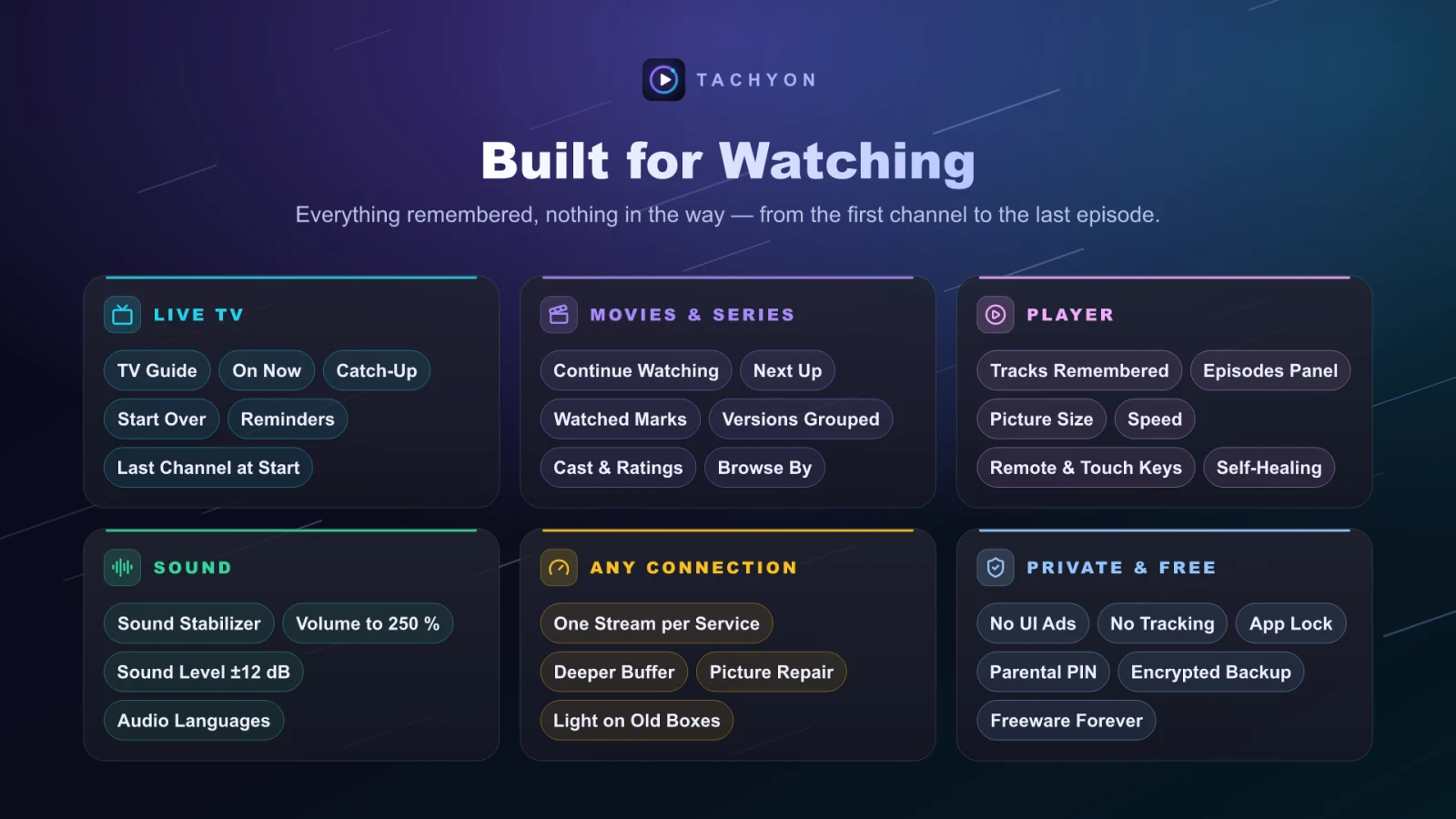
Tachyon gets better often. You don't need to look for updates: the app tells you, and on most devices one press installs the new version.
How You Know There's a New Version
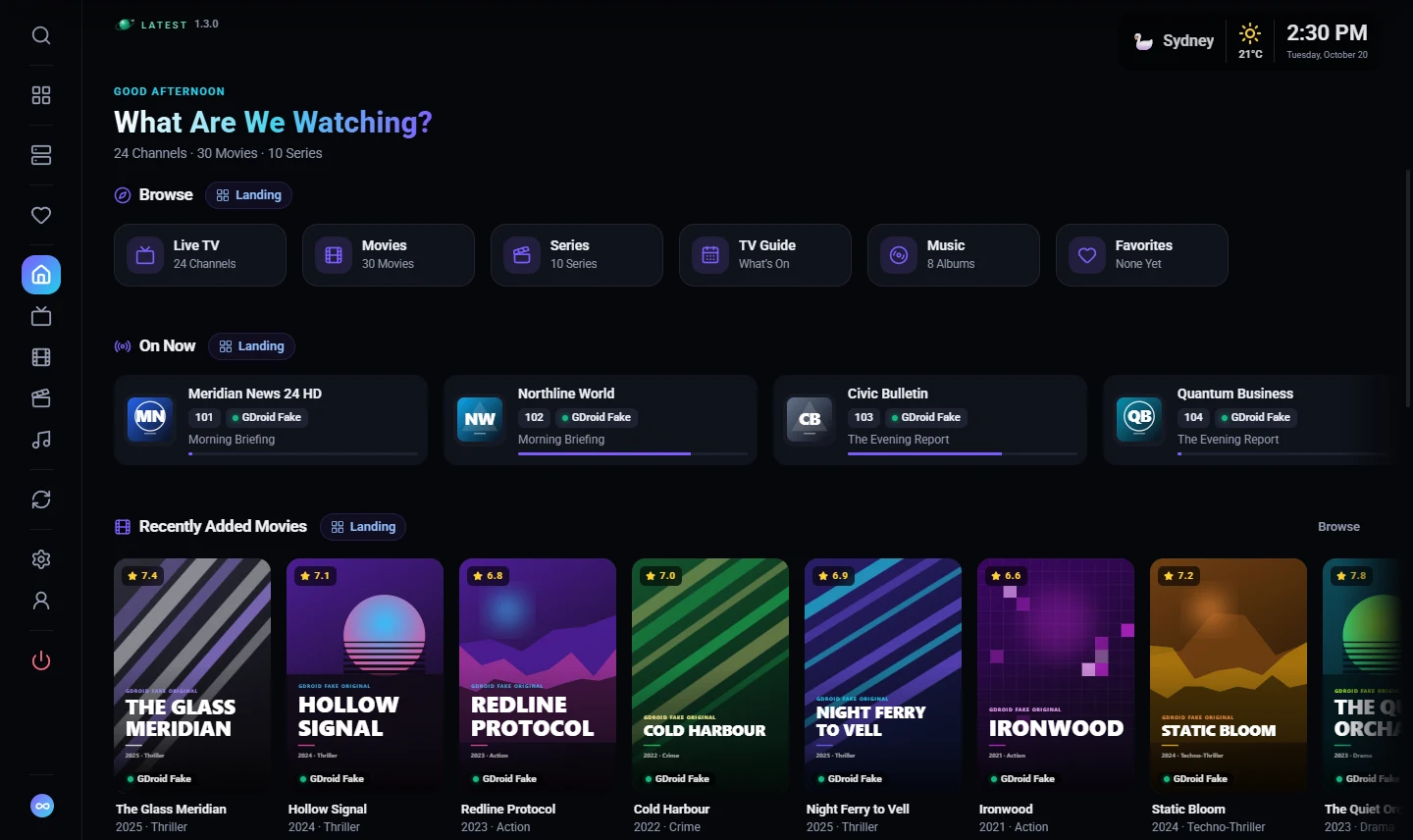
On the Landing screen, above "What Are We Watching?":
- Latest, with a moon in orbit, means you have the newest Tachyon.
- New Release, with a rocket and the new version, means a newer one is out.
Tachyon checks when it starts or you come back to it — at most every 12 hours. Select Latest to check right away.
Where it looks depends on where your copy came from: a copy from Google Play or the Amazon Appstore asks that store, so it only offers a release the store already has. Every other copy — Downloader, an APK, a computer — asks the Tachyon website. If the store can't be asked, the website's version shows instead, and the update box tells you the store may not have the release yet.
Update Now
Select New Release to see both versions, when Tachyon last checked, and how to update for the way you installed it.
Installed from a Downloader code, an APK or a download on a computer? Select Update Now:
- Tachyon downloads the new version from the developer's signed source.
- It checks the signature, so only a genuine release is installed.
- Android Android opens its installer — select Update / Install. Desktop Tachyon installs it and restarts.
Your services, favorites and settings stay as they are.
Stay on One Way of Installing
Keep updating the way you first installed. A copy from Google Play and a copy from a Downloader code are signed differently, and Android then refuses to install one over the other ("App not installed"). To switch, export your settings first (Back Up and Move Your Settings), remove the old copy, and install the new one.
Questions and Answers
Do I lose my services when I update?
No. Updating keeps your services, favorites, history and settings.
Will my Mac or Windows warn me again after an update?
No. The warning shows only the first time you open a downloaded copy; updates from inside the app don't ask again.