TACHYON
Catch-Up and Start Over: Watch What Already Aired
Missed the start of a show? Use Start Over and catch-up in Tachyon to watch programmes from the beginning or days later, where your provider keeps an archive.
Tuned in ten minutes late? Fell asleep before the end? If your provider keeps an archive for a channel, Tachyon can play its programmes from the beginning, or days after they aired.
How to Tell a Channel Has Catch-Up
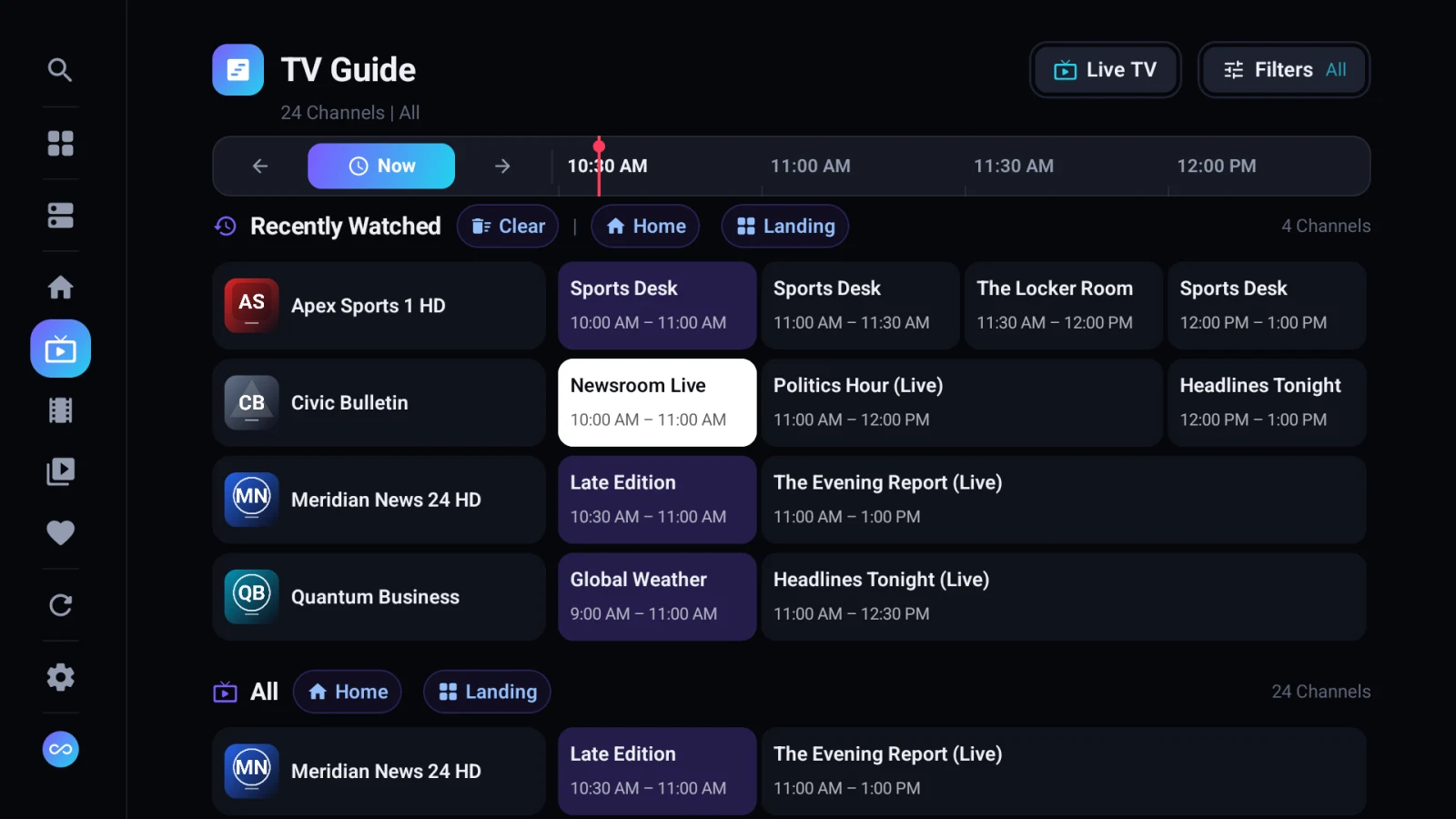
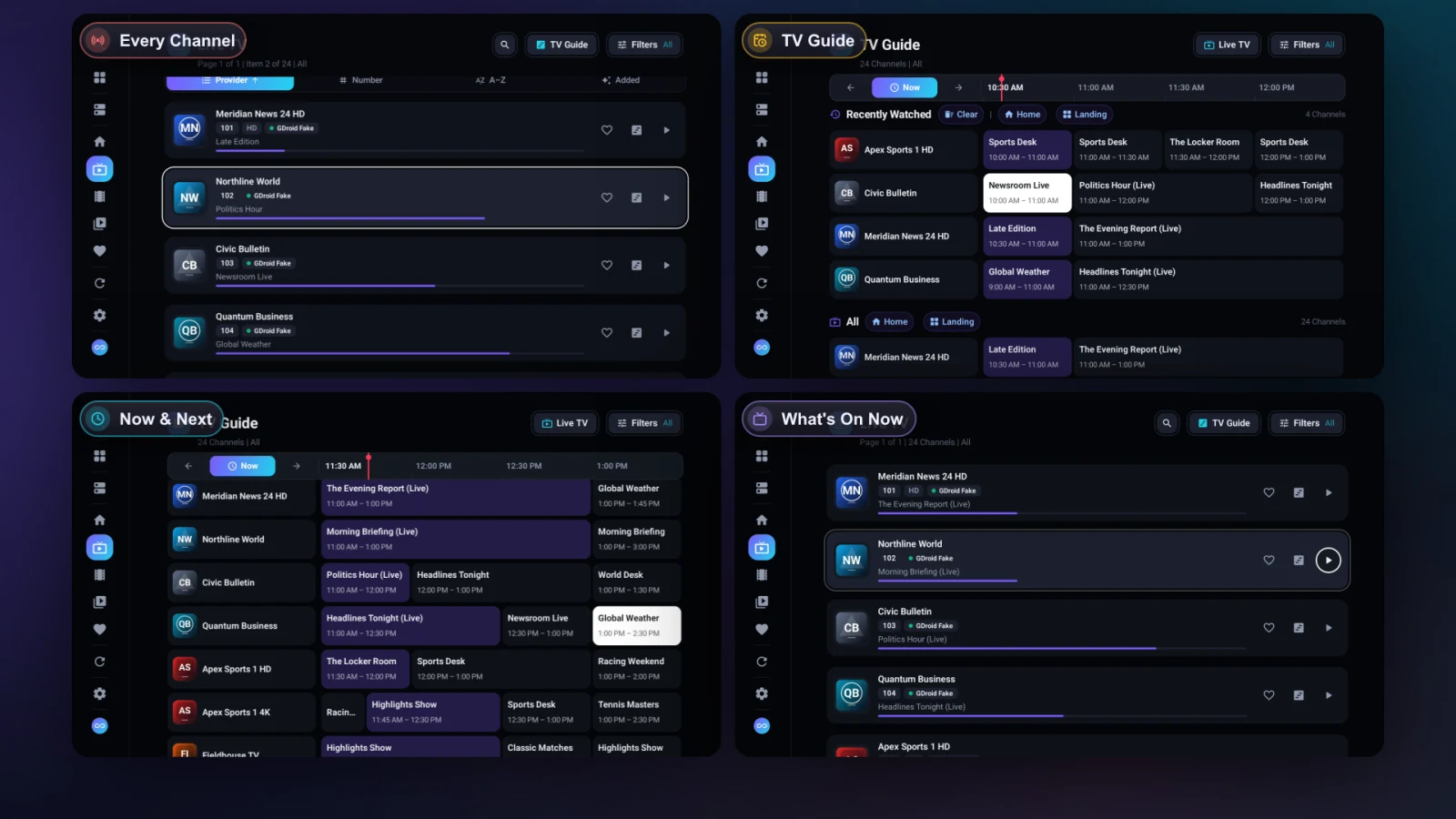
- In the TV Guide, programmes that already aired on such a channel can be opened and played.
- Desktop Live TV's preview also shows the archive window, for example 7-day catch-up.
Start Over: The Programme on Now, From Its Start
- In the player: open Player Options — Start Over is the first row on a channel with catch-up.
- In the TV Guide: select the programme on now, then Start Over.
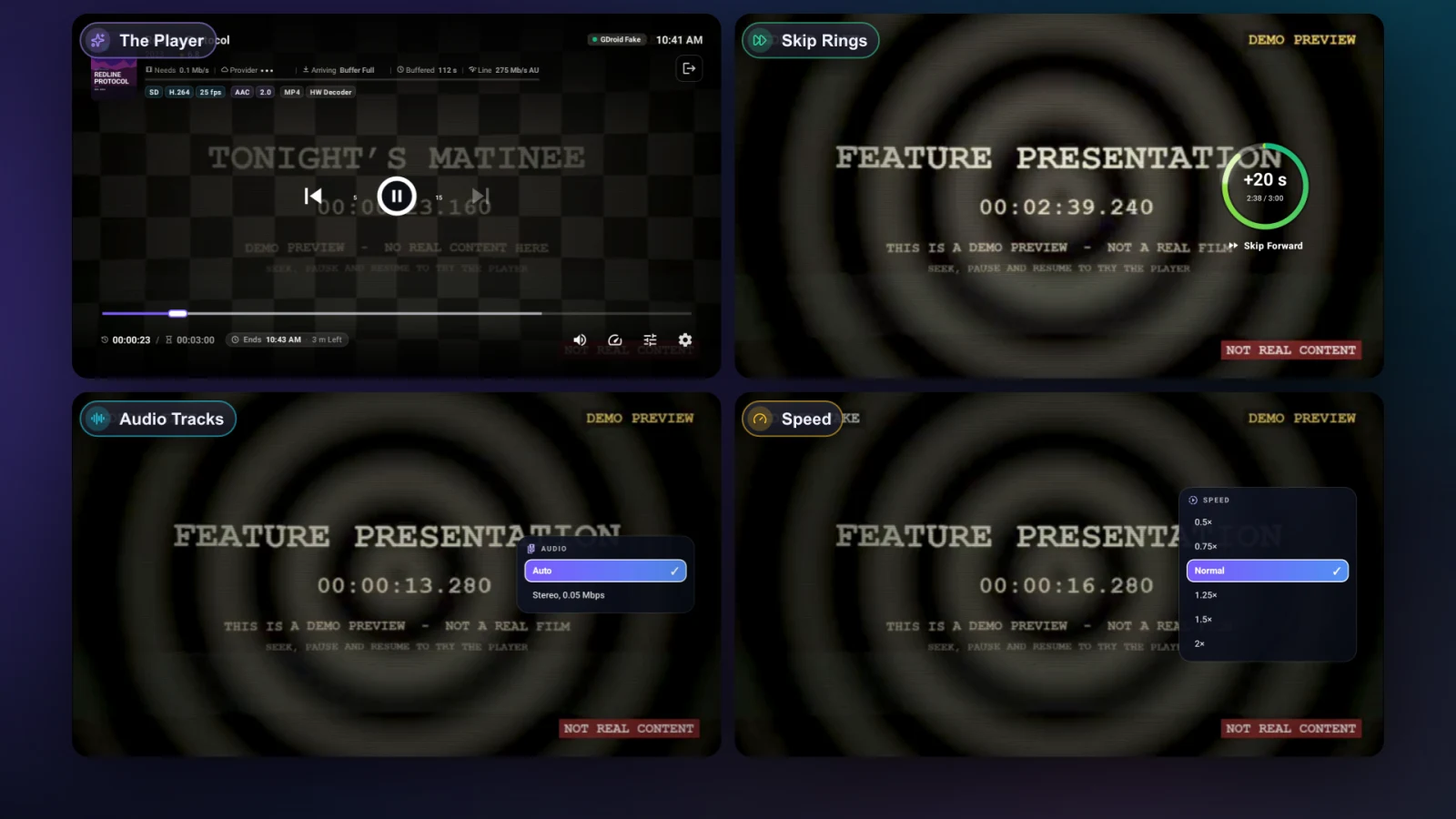
While you watch from the start, you can pause and skip like a recording. Back to Live (in Player Options, or G on a computer) returns to the live channel.
Catch-Up: Programmes That Already Aired
- Open the TV Guide and select Earlier to go back in time.
- Select a programme that has already aired.
- Select Watch Catch-Up (on a computer: Catch-Up).
The programme plays like a recording, with a time bar to skip through it.
Catch-Up Doesn't Play?
| Problem | What to Do |
|---|---|
| The programme is older than the archive | Only the provider's window can be played (often 1–7 days). |
| Catch-up links fail on an M3U service | Leave Archive Type on Auto in the service's Advanced options (on a computer: More Options), unless your provider says otherwise. A playlist from an Xtream panel uses the Xtream Codes type. |
| The archive window looks too short | Desktop Archive Days in the service's More Options can widen it, if the provider really keeps more. |
| Programme times are off | Set Guide Time Offset in the service's TV Guide options, so the right part of the archive is asked for. |
Questions and Answers
Does Start Over use another connection?
No. Start Over and catch-up replace the live stream on the same single connection.
Why does Start Over not appear?
The channel has no archive at the provider, or the programme on now isn't in the guide. Check in the TV Guide whether the channel's earlier programmes can be played.