TACHYON
How to Add Your Xtream Codes, M3U or Emby Service
Step by step: add an Xtream Codes login, an M3U playlist link or an Emby server to Tachyon, test it, and use the advanced options when you need them.
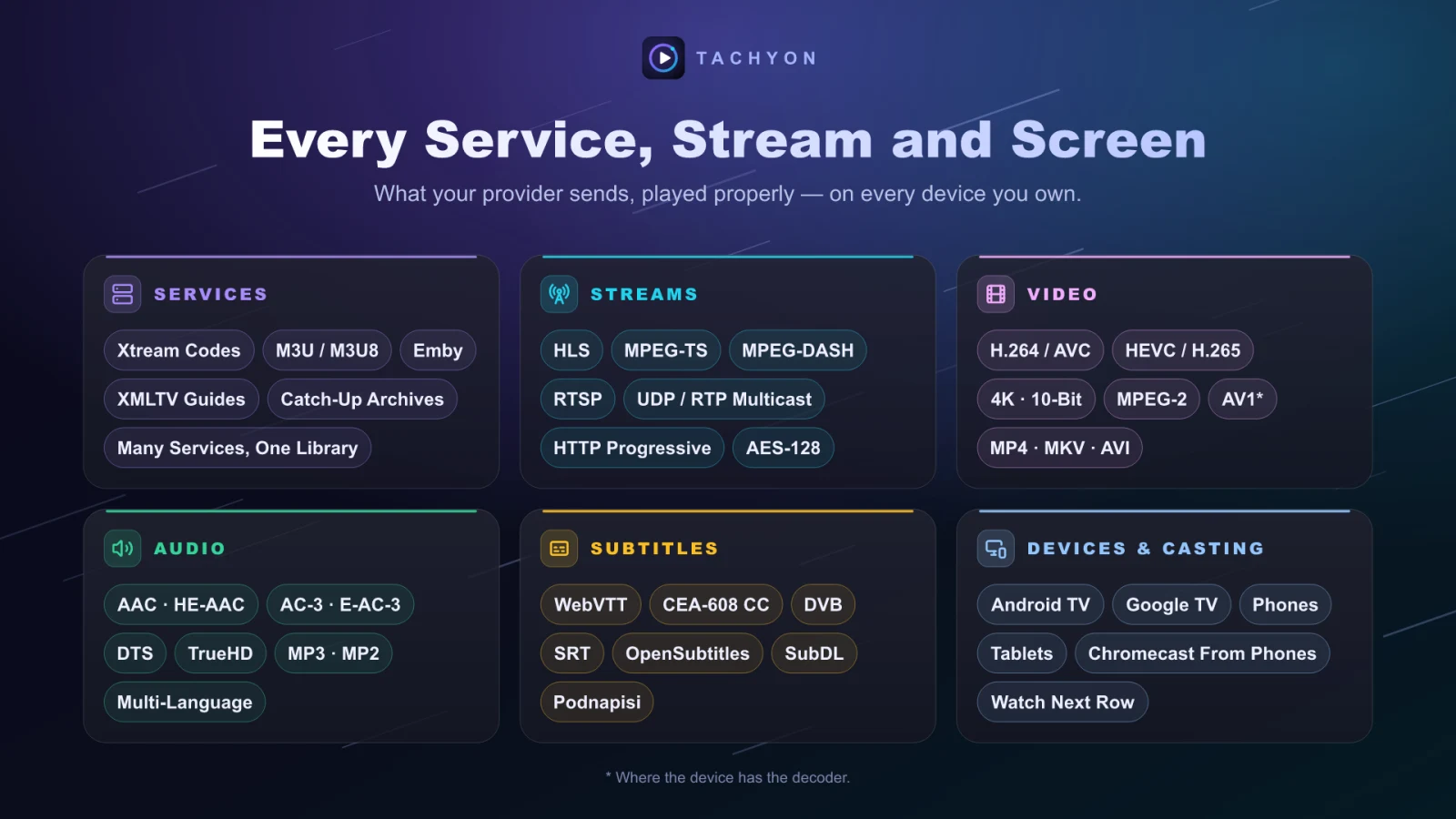
Your provider sends the details when you subscribe: either a server address with a username and password, or a playlist link. If you run your own media server, it's your Emby address and login. Tachyon plays what the service sends; it doesn't come with any content of its own.
Where to Add It
- Settings → Services → Add Service, on every device.
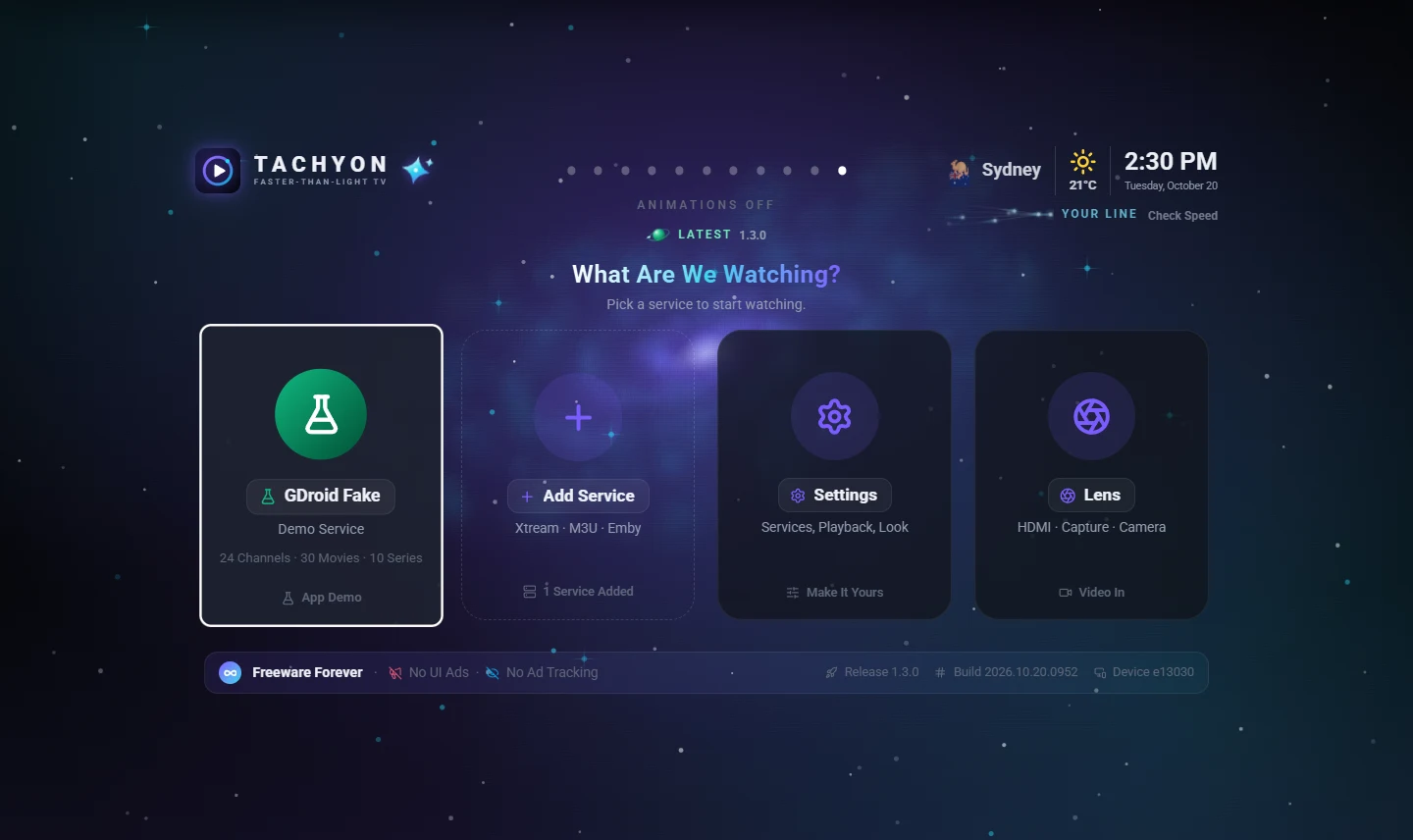
- The Add Service tile on the Landing screen ("What Are We Watching?").
- TV From your phone: Easy Settings → Services → Add Service, with a real keyboard. See Easy Settings.
At the top of the form, pick the kind of service: Xtream Codes, M3U Playlist or Emby Server.
Xtream Codes
- Server URL: the address with its port, for example
http://example.com:8080. A new form already holdshttp://:8080with the cursor where the server name goes, so on a TV remote you only type the host. - Username and Password from your provider.
- Select Test Connection. Tachyon checks the login and shows the account: its status, the expiry date, whether it's a trial and how many connections the plan allows.
- Select Add Service.
Tachyon reads live channels, movies, series, the TV guide and catch-up through the provider's Xtream API.
M3U Playlist
An M3U service can be added two ways — the tabs at the top of the M3U form:
- Playlist Link: paste the
.m3uor.m3u8link your provider sent. - Panel Login: type the panel's server, username and password, and Tachyon builds the playlist link and the TV guide link for you. It's shown as M3U Panel and gets the panel's catch-up.
The TV guide named in the playlist itself loads by itself, so a guide link is optional. Channel groups, catch-up and per-channel request headers are read from the playlist.
Emby Server
- Server URL including the port, for example
http://192.168.1.20:8096(a new form starts withhttp://:8096). - Your Emby Username and Password (leave the password empty if the user has none).
- Test Connection shows the server's name and version; then Add Service.
Live TV, movie and TV show libraries and the server's TV guide all come in (Desktop music libraries too). Watched marks, favorites, resume points and Next Up stay in sync with the server both ways.
The Advanced Options
Most people never need these. They sit under TV Guide and Advanced in the service's form (on a computer: More Options):
| Option | What It Does |
|---|---|
| TV Guides | Desktop Your own XMLTV guides (plain, .gz or .xz), several merged by channel. Android One Guide Link (XMLTV). |
| Use the Provider Guide | Xtream: also uses the panel's guide, after yours. M3U: Use the Playlist's Guides. |
| Guide Time Offset | Moves every programme if the guide is early or late, from −12 h to +12 h in 30-minute steps. |
| User-Agent | Some providers accept only certain players. Leave it empty for the default. |
| Archive Type | How catch-up links are built. Auto is right for almost everyone. |
| Live Stream Format | Xtream only: Auto, MPEG-TS or HLS. Auto picks from the formats the account allows. |
| Enabled | Off keeps the service saved but takes it out of the app until you turn it on again. |
Give each service a Color, too: a small tag in that colour on every card and channel tells you where it comes from.
After Adding
- The first load of a big library takes a little while; the Updating Your Library card shows each service, the time so far and an estimate. After that, the library opens straight from the device. See Big Libraries.
- The service card in Settings → Services shows the account live: status, expiry and connections in use. Desktop Tachyon also warns once per session when a subscription ends within three days.
- Move the cards up or down with their arrows (on a computer you can also drag them) to set the order. Landing follows it.
Questions and Answers
What does "Sign-in failed — check the username and password" mean?
The server turned the login down. Check the details from your provider, and check that the subscription is still active.
What does "The link didn't return a playlist" mean?
The M3U link answered with something that isn't a playlist. Copy the link again from your provider; a single missing character is enough to break it.
Can I add the same account twice?
You can, for example as Xtream Codes and as an M3U playlist. Tachyon knows it's the same account and still keeps to one stream connection for it. See One Connection Per Service.