TACHYON
Try Every Feature With the Built-In Demo
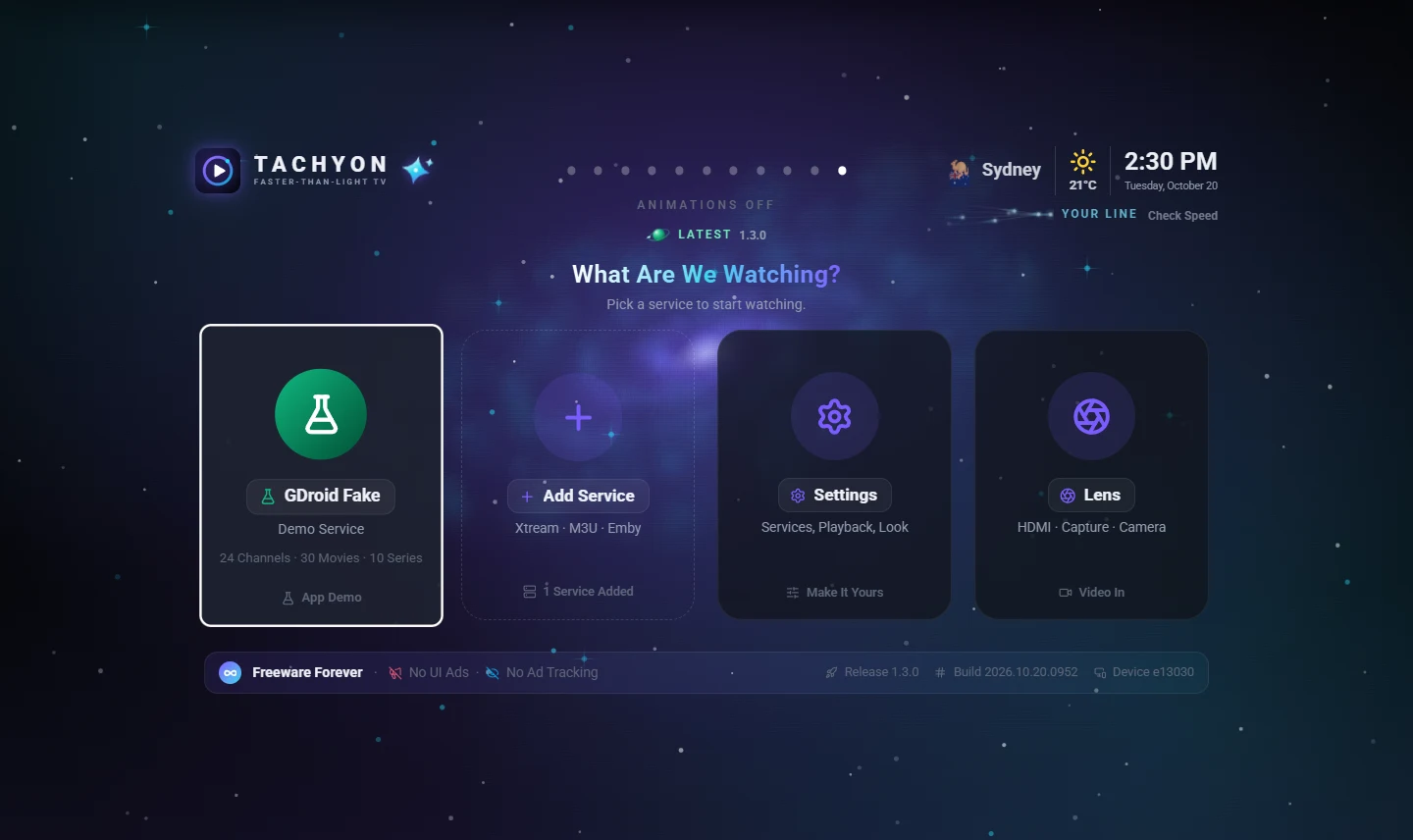
GDroid Fake is Tachyon's offline demo service: live channels with a guide, movies, series and music to try every screen before you add your own service.
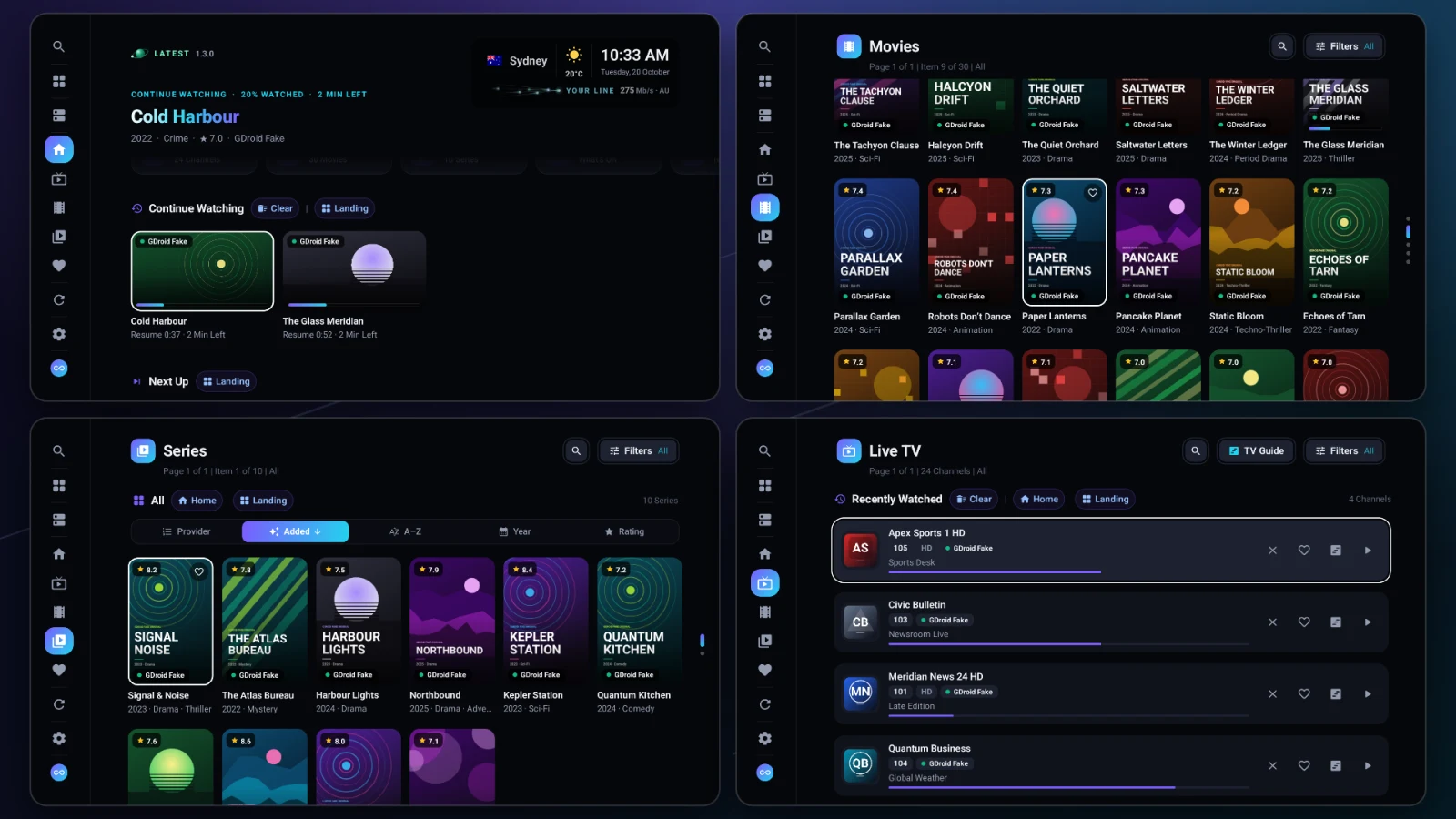
Want to see how Tachyon feels before you add anything? Every fresh install comes with GDroid Fake, a demo service built into the app. It needs no account and no internet: everything it plays is stored inside Tachyon.
What's in It
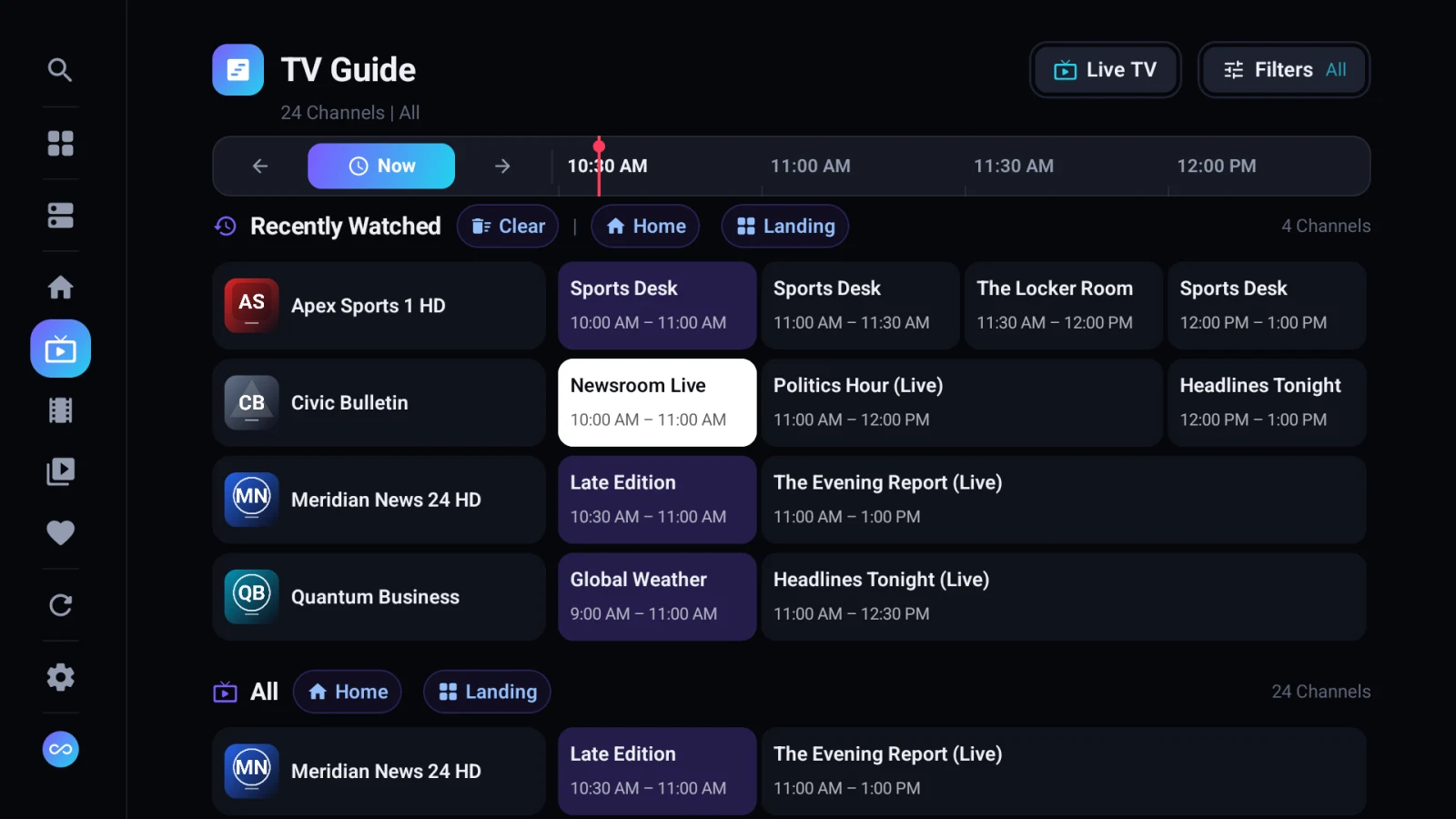
- 24 live channels with a two-day TV guide, so the TV Guide and On Now have something to show.
- 30 movies and 10 series with seasons and episodes.
- Desktop 8 albums of music, so the Music section and the music bar appear in the desktop app too.
- Generated pictures for every poster, logo and backdrop.
Live channels loop short test-signal clips in old TV looks — colour bars, test cards and snow. Movies and episodes are three-minute clips, long enough to try resume, Continue Watching and Next Up. Every clip carries the caption "GDroid Fake · Demo Preview · Not Real Content".
Things to Try
- Zap through channels. Open a live channel and change channels the way your device does it: ← → or CH+ / CH− on a TV remote, a swipe on a phone, Page Up / Page Down on a computer.
- Open the TV Guide from the top of Live TV, and open a programme's details.
- Start a movie, stop halfway, and find it in Continue Watching on Home.
- Finish an episode and watch Next Up offer the next one.
- Play with the player: subtitles, audio, Picture Size, Sleep Timer and the volume.
- Change the look in Settings → Appearance: the accent colour, poster size and Home rows.
Removing It, and Getting It Back
The demo can't be deleted, but you can hide it: open it in Settings → Services and turn Enabled off. It's then out of the app — off Landing and every page. Turn Enabled on again to bring it back.
Questions and Answers
Does the demo use my internet?
No. Its pictures, clips and guide are part of the app, so it works offline.
Can I cast the demo to a Chromecast?
No. The demo's clips live inside the app, and a Chromecast fetches streams from the internet itself, so the Cast button says why it can't send them.