TACHYON
Finding Anything Fast: Search in Tachyon
Search channels, movies and series across your services in Tachyon, narrow a big list with Search in This List, and use your recent searches.
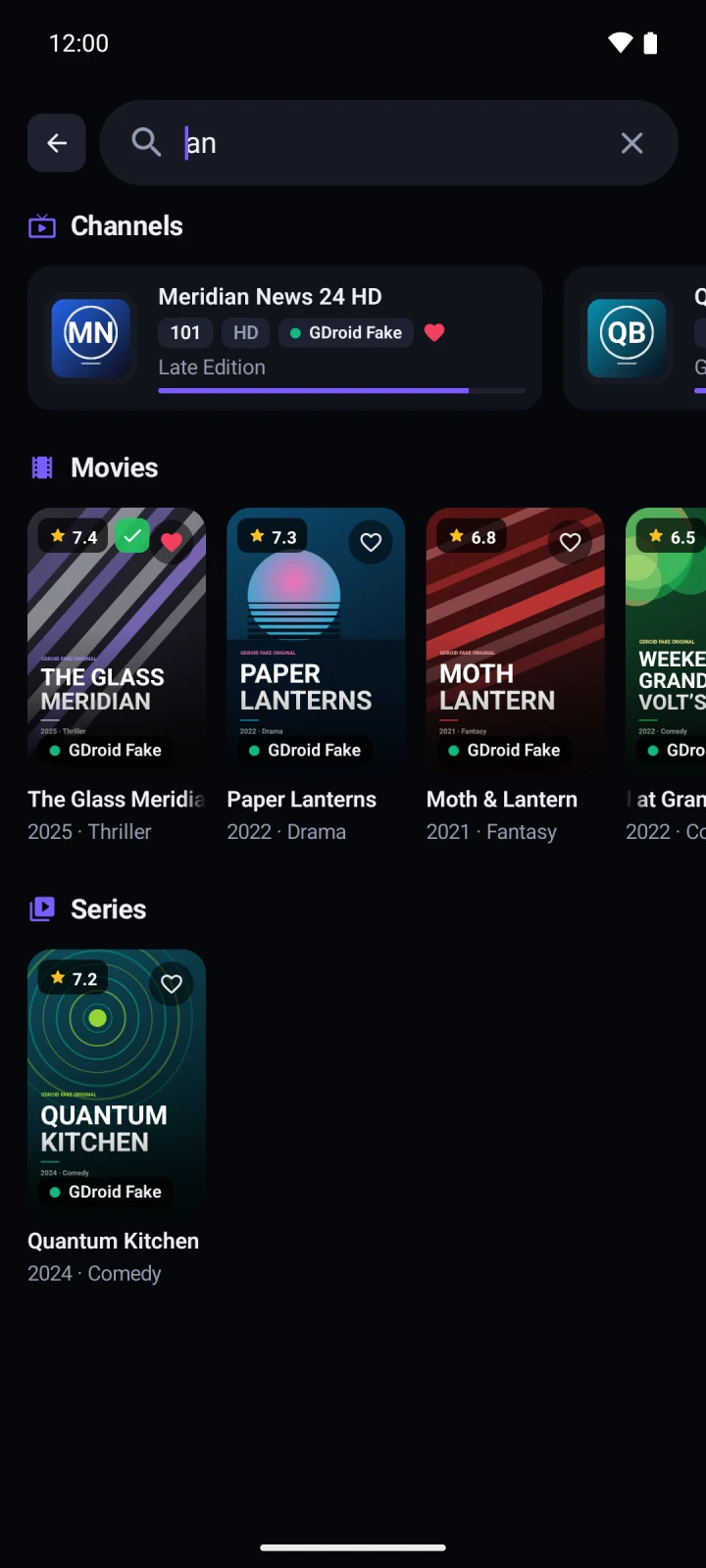
With thousands of channels and titles, search is often the quickest way in. Tachyon has two kinds: Search across everything, and Search in This List on a single page.
Search Everything
- TV Search is the first item of the left rail.
- Phone Tap the search bar at the top of the screen.
- Desktop Press Ctrl K or / anywhere, or use Search in the rail.
Type a couple of letters and results come in as you type: Channels, Movies and Series from the service in view — or from every service when All Services is open. Your words match anywhere in a name, so news finds "World News HD", "Newsroom" and "Sportsnews".
Desktop From three letters on, the desktop app also finds programmes in the TV Guide: On Now plays the channel, and Coming Up (in the next 24 hours) sets a reminder.
Search in This List
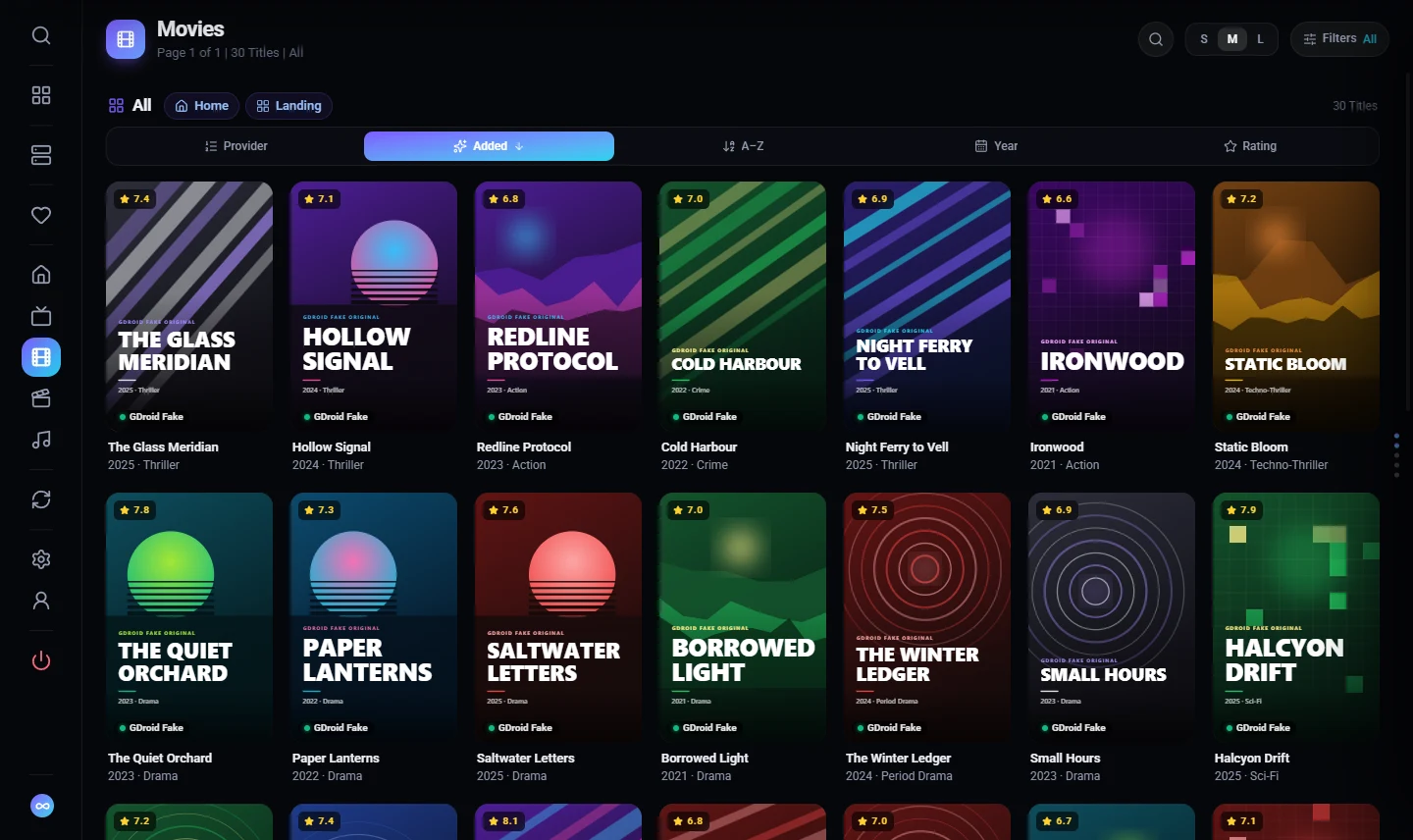
The Movies and Series pages have their own search, Search in This List. It narrows the page to titles with your words anywhere in the name — or the year: ocean 2021. Sorting and the pages then work on what it found.
With a filter picked (a category, the Group, Favorites …) the search still looks through the whole page: what it finds in the filter comes first, under In and the filter's name, then everything else under More in Movies (Series, Live TV the same).
- Your last 10 searches are kept for each service and page, and offered when the search opens, newest first.
- Phone It's the search button beside Filters.
Tips for Better Results
- Leave out words like "HD" or "the": fewer words find more.
- Looking for one copy of a title in a certain language? Search for the title, open it, and pick the language under Available In.
- While Hide Adult Categories is on (Settings → Parental; on a computer: Content & Parental), adult categories stay out of search too.
Questions and Answers
Why doesn't Search find a channel I know is there?
Search looks in the service in view. Switch to All Services to search every service, and check that the channel's category isn't hidden (Settings → Parental → Hidden Categories; on a computer: Content & Parental).
Can I search by voice?
Type with the remote's or phone's keyboard; many on-screen keyboards on phones and TVs have a microphone key that types what you say.