TACHYON
Sound Stabilizer and Volume Up to 250 %
No more reaching for the remote when an ad blares: Tachyon's Sound Stabilizer evens out every channel, and its own volume goes up to 250 % for quiet streams.

One channel whispers, the next one shouts, and the ads are louder than both. Tachyon has three tools for that: the Sound Stabilizer, the Sound Level, and its own volume that goes up to 250 %.
Sound Stabilizer
Settings → Playback → Sound Stabilizer — on by default.
Every channel, ad, film and episode plays at one steady level. Tachyon measures the loudness over the last few seconds, the way people hear it (rumble and bass count less), turns loud sources down quickly and quiet ones up slowly — at most 12 dB either way — and a soft limiter keeps anything from clipping. Silence holds the level, so a quiet scene isn't pumped up.
Turn it off if you'd rather hear every stream exactly as it's sent.
Sound Level
Settings → Playback → Sound Level raises or lowers Tachyon's level by up to 12 dB, so it matches your TV's other channels and apps. With the Sound Stabilizer on, it moves the steady level; with it off, it shifts each stream's own level. 0 dB (As Is) leaves it alone.
Tachyon's Own Volume
The player's volume is Tachyon's own: your device's volume and every other app stay as they are. Watch quietly during a call, or keep the TV at its usual level for everything else.
| Device | How to Change It |
|---|---|
| TV | ↑ ↓ while watching (hold to keep going), or Player Options → Volume |
| Phone | Swipe up or down on the right half of the picture |
| Computer | The volume slider, + −, the mouse wheel, or ↑ ↓ on a movie |
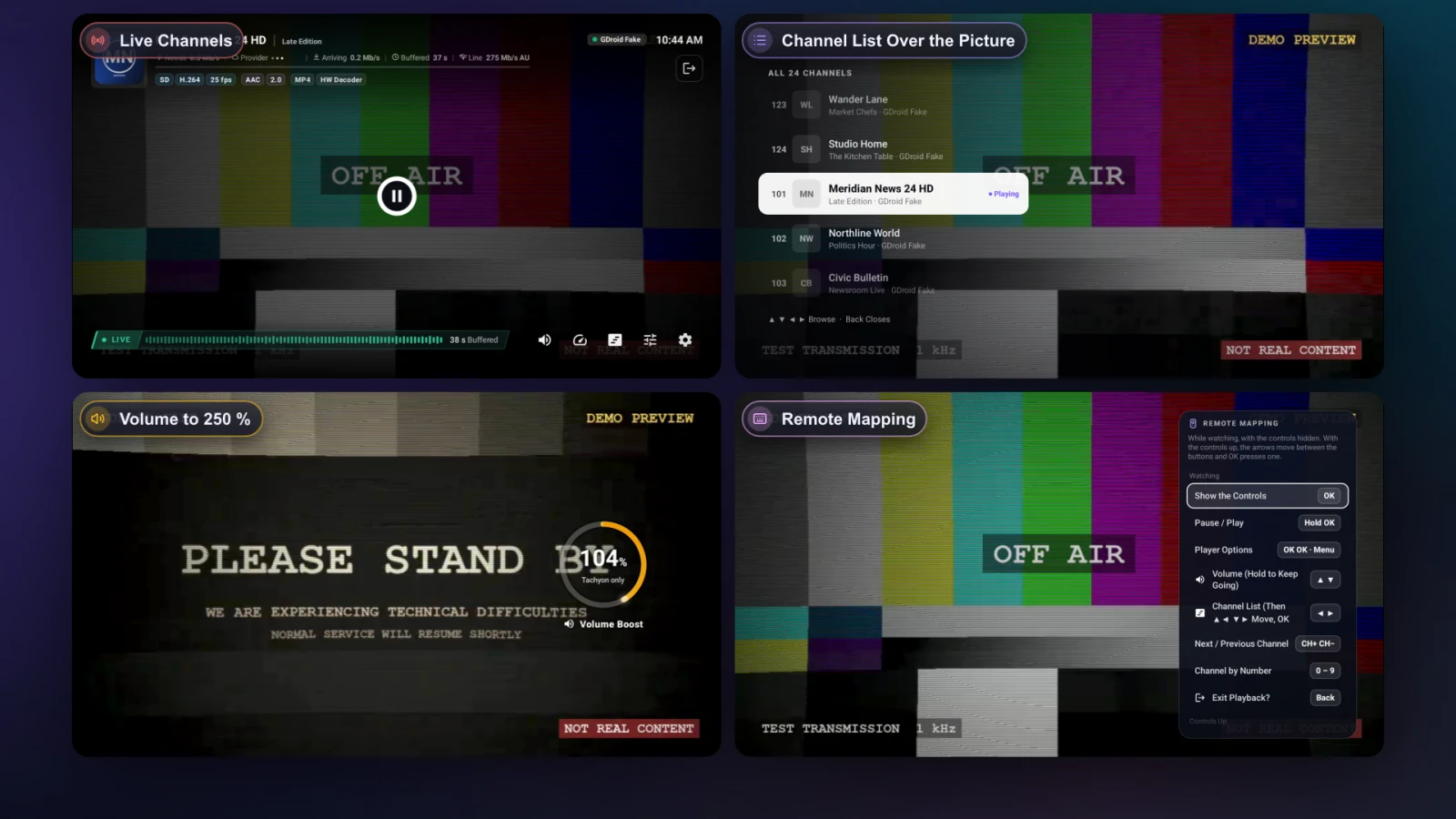
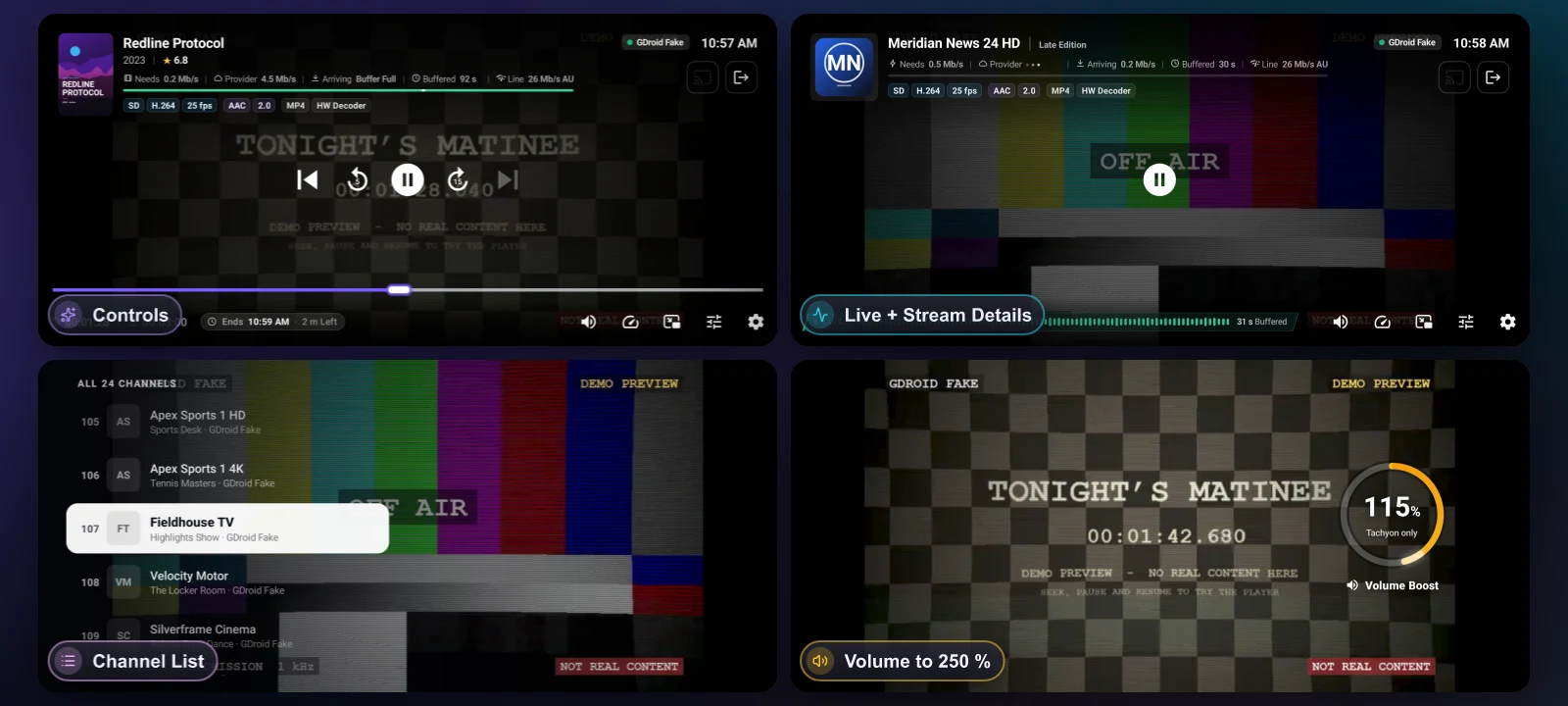
A ring shows the level as it changes. The Volume button in the player mutes; another press brings the sound back.
Android Prefer the player to move the device's own media volume? Turn off Settings → Playback → Tachyon's Own Volume.
Past 100 %: Up to 250 %
Some streams are just too quiet. Turn on Settings → Playback → Allow Volume Above 100 % (off by default) and the volume goes on to 250 %, like VLC. It shows in amber past 100 %.
- The volume always stops at 100 % first. Past it, it pauses again at 125, 150, 175, 200 and 225 % — press again, or start a new swipe, to go on. No accidental blasts.
- Past 100 % it moves in smaller steps.
Remember Volume Per Channel & Title
Settings → Playback → Remember Volume Per Channel & Title (off by default): each channel, movie and series starts at the volume you last played it at — sport louder, news quieter. Something new starts at its service's last volume.
Questions and Answers
Why does a channel still sound loud for a moment?
The Sound Stabilizer reacts within moments, not instantly, so a sudden jump can be heard briefly before it's turned down.
Why doesn't the boost work with my AV receiver?
Android With Surround Passthrough, Dolby and DTS go to the receiver untouched. When you go past 100 %, Tachyon switches that title to decoding the sound itself so it can boost it — a short gap in the sound, no reconnect.
Does Tachyon change my TV's volume?
No — not while Tachyon's Own Volume is on (the default). Your TV's remote volume buttons still change the TV's own volume as always.