TACHYON
Subtitles in Tachyon: Online Search, Your Own Files and the Look
Turn on online subtitles from OpenSubtitles, SubDL and Podnapisi, pick subtitles before you press Play, and make them easy to read with fonts, sizes and colours.
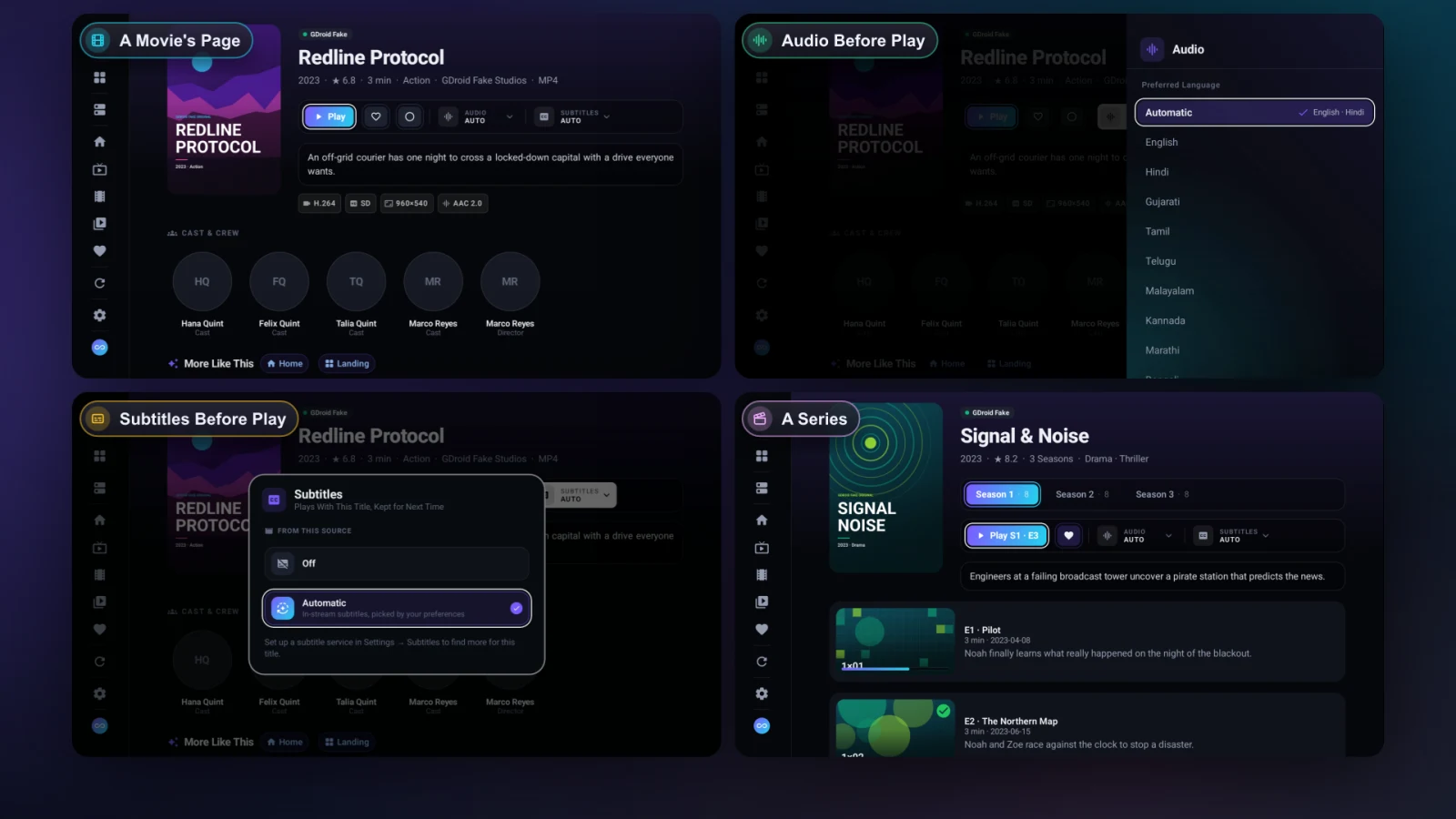
Tachyon finds subtitles in three places: in the stream itself, from your Emby server, and online from three subtitle services. You can pick them before you press Play, change them while you watch, and make them look the way you like.
Where Subtitles Come From
- In the stream: subtitle tracks in HLS streams and in MP4 / MKV files, and closed captions in live channels (shown as CC1).
- Emby: the server's subtitles for each title.
- Online: OpenSubtitles.com, SubDL and Podnapisi.NET, once you turn them on.
- Desktop Your own file: Load Subtitle File in the player takes SRT, VTT, ASS / SSA and more.
Turn On Online Subtitles
Open Settings → Subtitles and turn on one service or several:
| Service | What It Needs |
|---|---|
| OpenSubtitles.com | An account is optional; signing in with a free account gives more downloads a day. |
| SubDL | A free account and its API key (from your SubDL panel). |
| Podnapisi.NET | Nothing — no account or key. |
Results from every service you turn on are merged and ranked by your languages. Searches use the title's IMDb or TMDB id when your service provides one, else the title and year, so the matches fit.
Pick Subtitles Before You Press Play
On a movie's or episode's page, Subtitles opens a box:
- The source's own subtitles come first.
- Then the online matches, each marked Downloaded or Not Downloaded.
- Pick one that isn't downloaded yet, and it downloads and is selected.
The title remembers what you picked. Downloaded subtitles stay on the device, so picking one again never uses up another download from your daily quota — Settings → Subtitles → Saved Subtitles clears them.
Change Them While You Watch
- The Subtitles button in the player's bottom bar (it shows only when there are subtitles to pick).
- Player Options → Subtitles, with the subtitle look. Desktop It also searches online and loads your own file.
- Desktop C steps to the next subtitles; Subtitle Offset moves them earlier or later when they're out of step.
While the controls show, subtitles lift above them so nothing is covered.
Make Them Easy to Read
The subtitle look has a live preview over a dark and a bright picture. It's in Settings → Appearance → Subtitles on every device.
| Setting | Choices |
|---|---|
| Font | Inter, Roboto, Open Sans, Noto Sans, Atkinson Hyperlegible (made for low vision), Roboto Mono and more, or System Default |
| Text Size | Nine steps: Small, Small Plus, Medium, Medium Plus, Medium Large, Large, Large Plus, Very Large, Extra Large — the same size for every channel, film and episode |
| Text Colour | White, Yellow, Cyan, Green, Pink or Grey |
| Edge Style | Outline, Drop Shadow, Raised or None |
| Background | None, a See-Through Box (with Box Opacity) or a Solid Box |
| Bold Text | A heavier weight — easier to read from the sofa |
| Italic & Bold From File | Keep the file's italics (songs, thoughts, voices off screen), or Plain |
| Distance From Bottom | How high the subtitles sit |
The fonts are part of the app, so they work offline. On Android, Tachyon's look applies even when captions are turned on in the system's accessibility settings.
Questions and Answers
Why don't I see online subtitles for a title?
Check that a subtitle service is turned on in Settings → Subtitles, with your languages set. Live channels don't get online subtitles — only movies and episodes.
What is CC1?
Closed captions sent inside a live channel. Pick CC1 under Subtitles to show them, where the channel carries them.
The subtitles are out of step. What can I do?
Desktop Use Subtitle Offset on the player's Subtitles page. On any device, another subtitle from the list may match the version you're watching better.